Wise Disk Cleaner is a free Windows system maintenance utility designed to help you free up storage space, declutter, and defragment your drives. It targets temporary files, logs, browser remnants, and other hidden data that accumulates over time. While Windows includes a built-in disk cleanup utility, this software goes further with advanced features wrapped in a modern, user-friendly interface.
Daily computer use inevitably generates temporary files, application caches, and installation leftovers. This unseen clutter can easily consume gigabytes of valuable drive space. Wise Disk Cleaner clears out this useless data, simplifying storage management with intuitive, automated scanning tools.
Disk cleanup and junk file removal
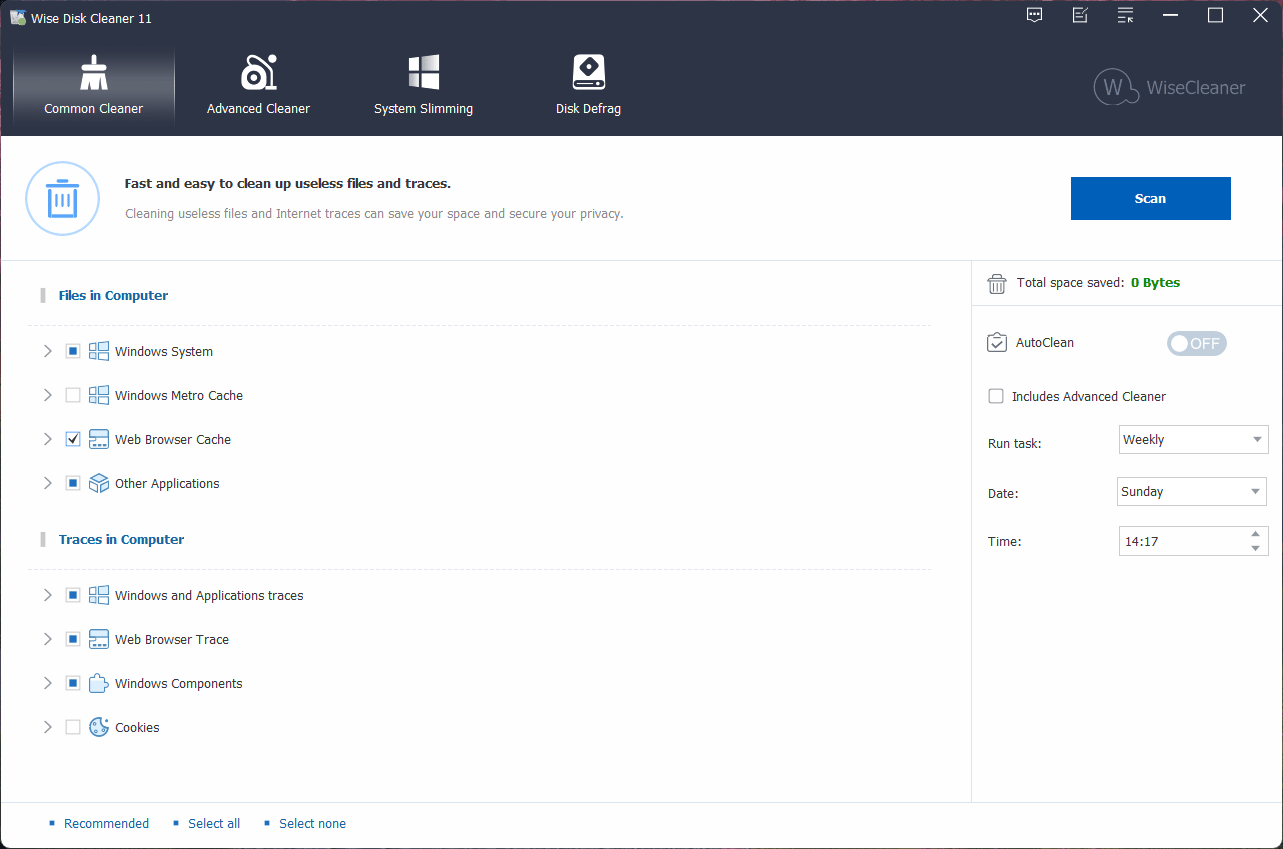
The application's core function is scouring your storage drives to remove accumulating junk. It targets unnecessary files at both the OS and disk levels by scanning common clutter hotspots. Typical examples include:
- Temporary system files
- Browser cache and browsing remnants
- Log files and application leftovers
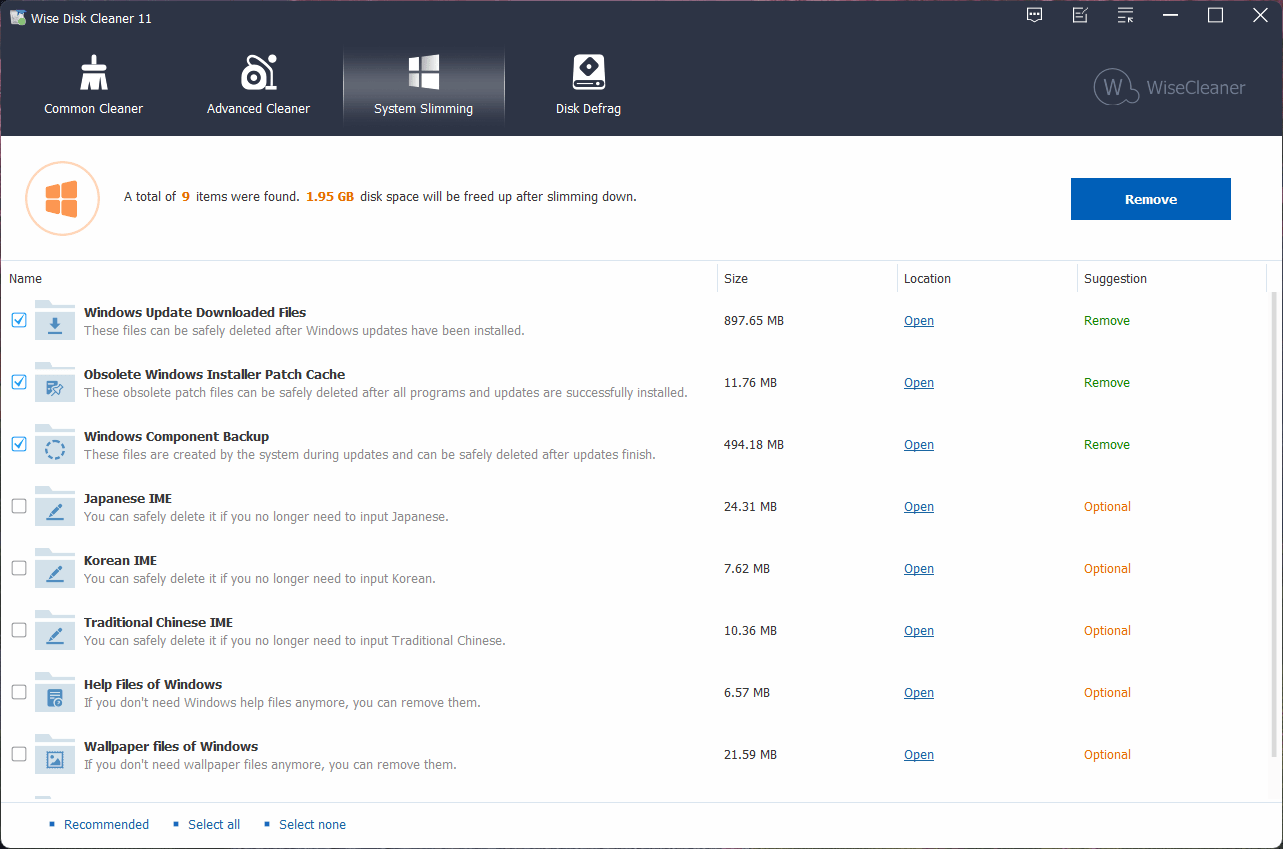
- Unnecessary update and installation files
After a scan completes, you can review the results before committing to deletion, minimizing the risk of accidentally wiping important data. The cleanup process runs quickly and often recovers a surprising amount of storage space on poorly maintained systems - a claim our own testing confirms.
Advanced cleaning and customization
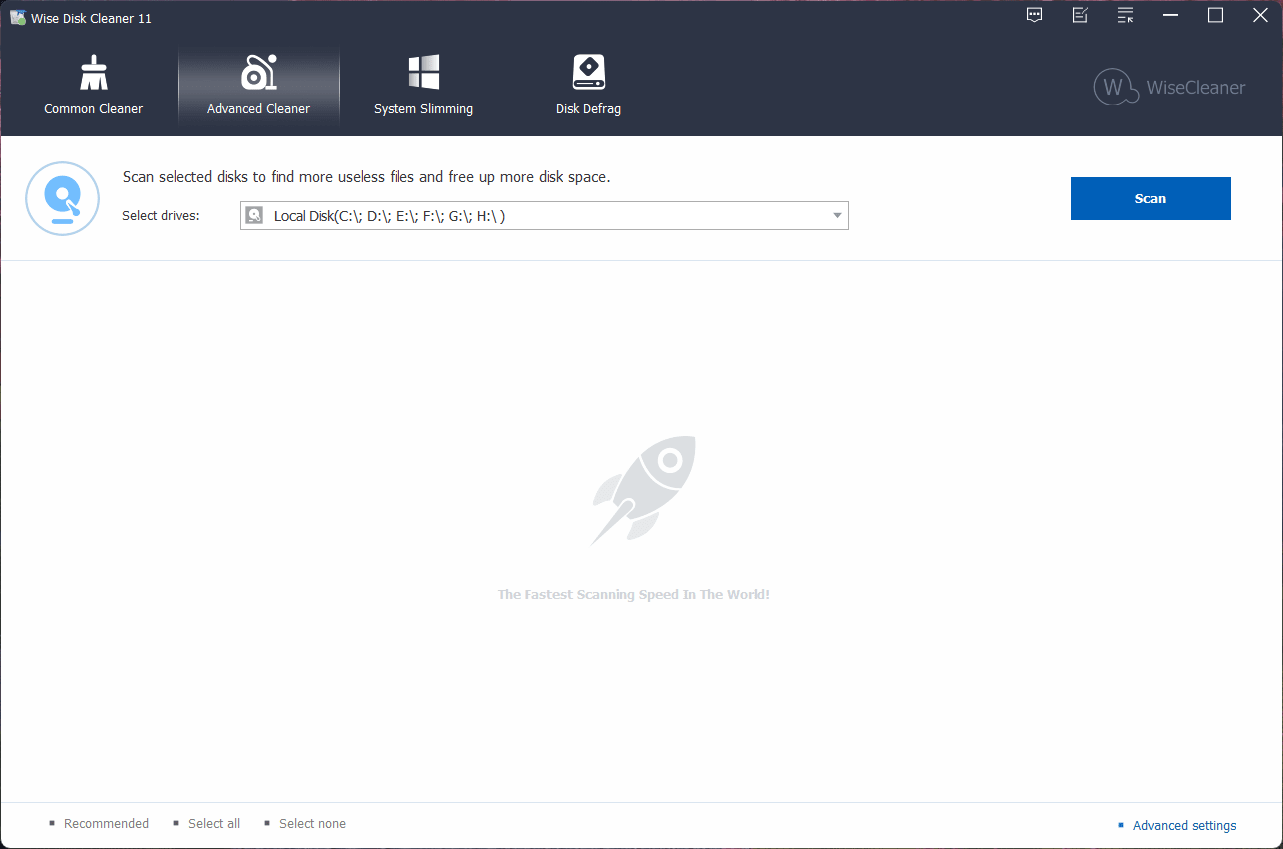
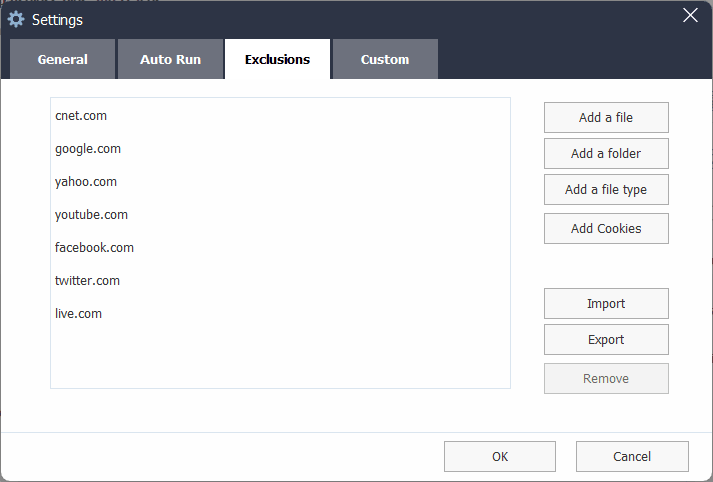
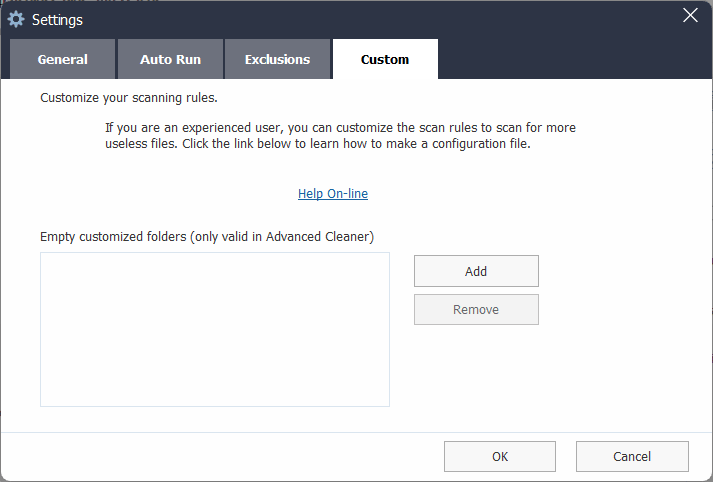
Beyond the basics, Wise Disk Cleaner offers extra controls for users needing more flexibility. You can customize scan locations, exclude specific files or folders, and choose exact data categories for removal.
An advanced cleaning mode searches deeper within the Windows file system for obsolete files. While this helps recover even more storage, you should carefully review suggested items - like browser cookies and saved passwords - before deleting them. This balance of automation and manual control makes the utility suitable for various experience levels.
Disk defragmentation and SSD optimization
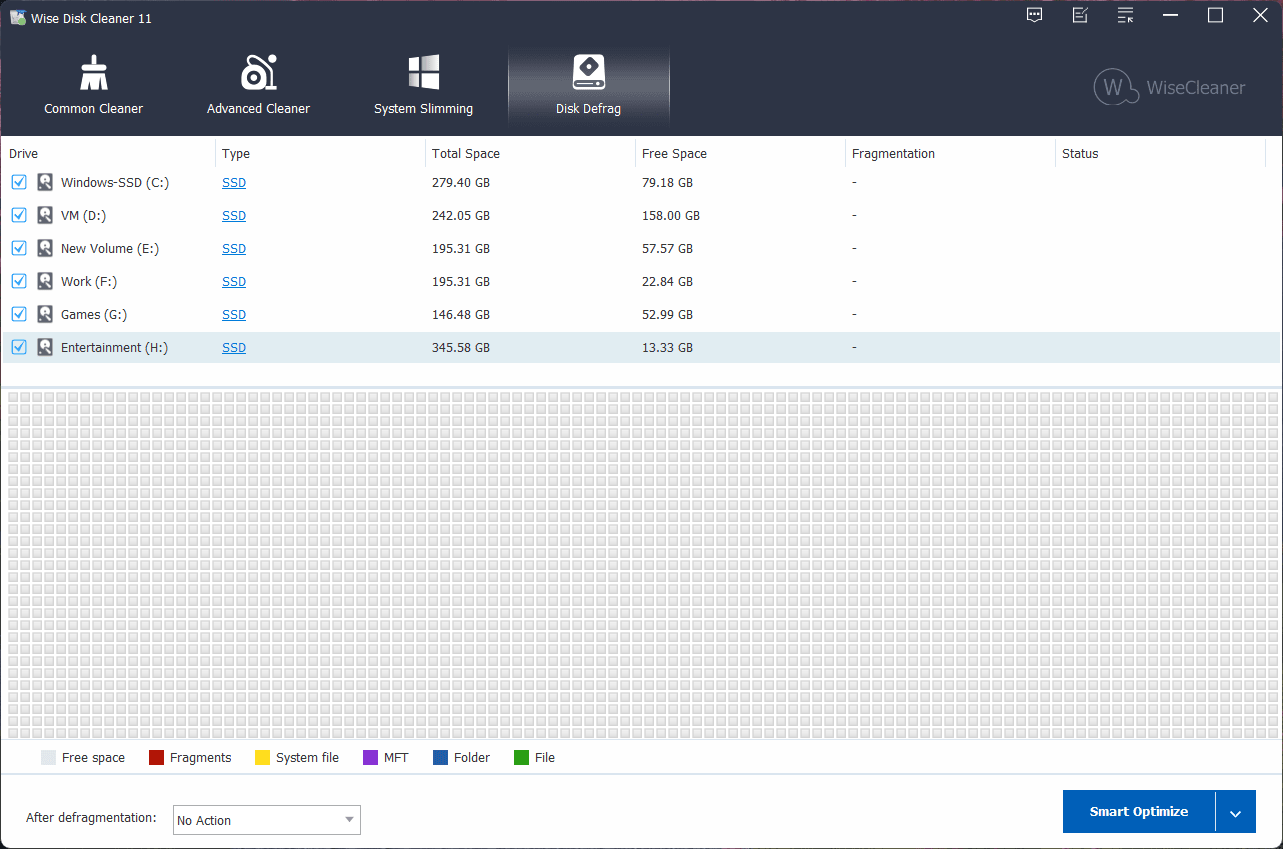
Disk defragmentation remains a vital maintenance step for traditional hard drives. The tool reorganizes fragmented files on mechanical drives, improving overall disk efficiency. You can run a full disk defragmentation or optimize only selected files and folders. For newer hardware, the software includes SSD optimization tools that manage unused data blocks to maximize write performance and extend drive lifespan. A built-in graphic chart displays current disk fragmentation levels and real-time optimization progress.
A practical tool for freeing storage space and reducing system clutter
Wise Disk Cleaner offers an effective, completely free way to clear unnecessary clutter, free up disk space, and maintain a responsive Windows environment. Its straightforward optimization tools make routine system maintenance painless, especially if you prefer a more capable alternative to the built-in Windows utilities.